
How to Take a Screenshot on iPhone 5
Today we will learn how to take a screenshot on iPhone 5 (also the same for other iPhone models and iPods). When you are surfing on your iPhone on the web, when you are using an application or even when you're playing a game, it is so easy to take a screenshot on your iPhone. We are using two buttons to handle this;
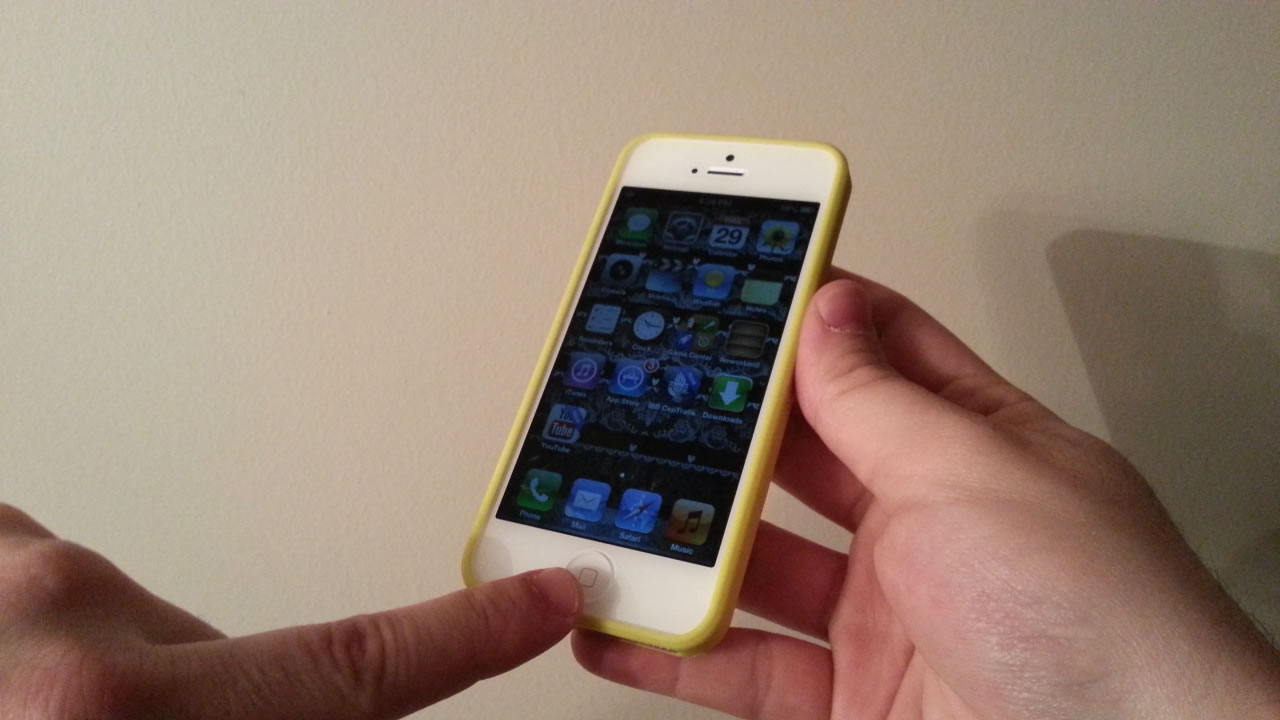
first: our home button
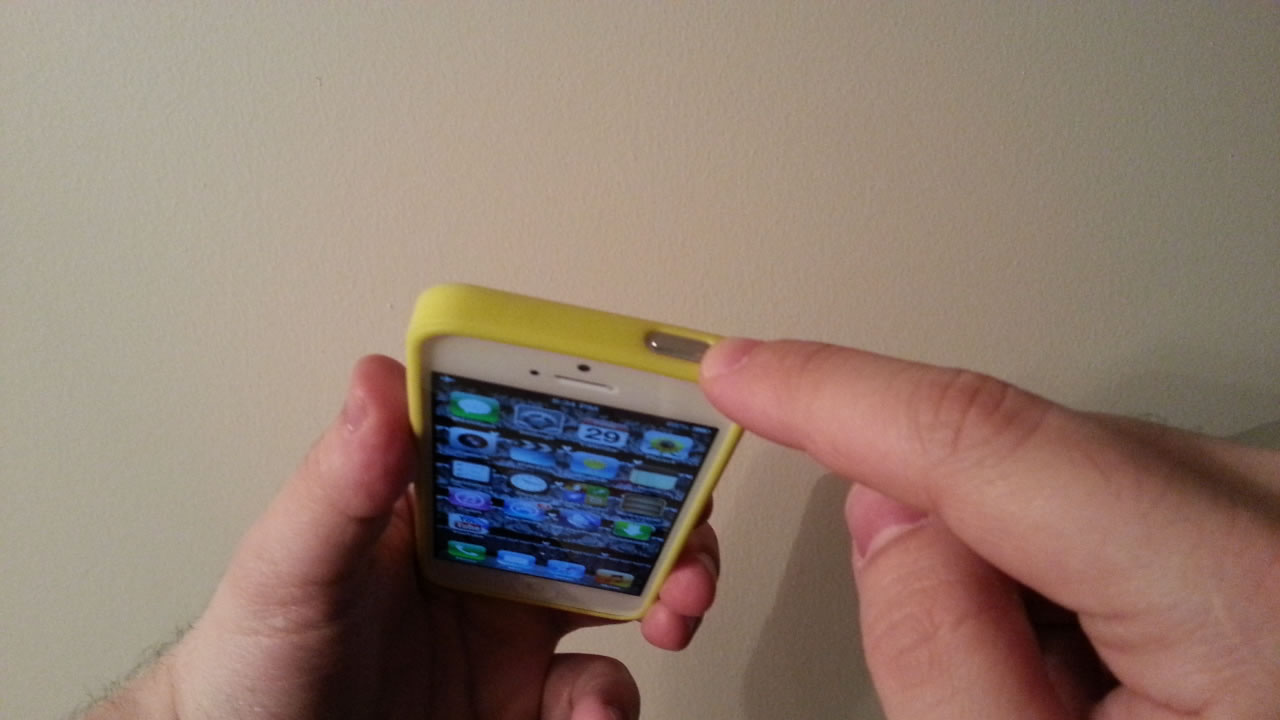
second: our power (top) button
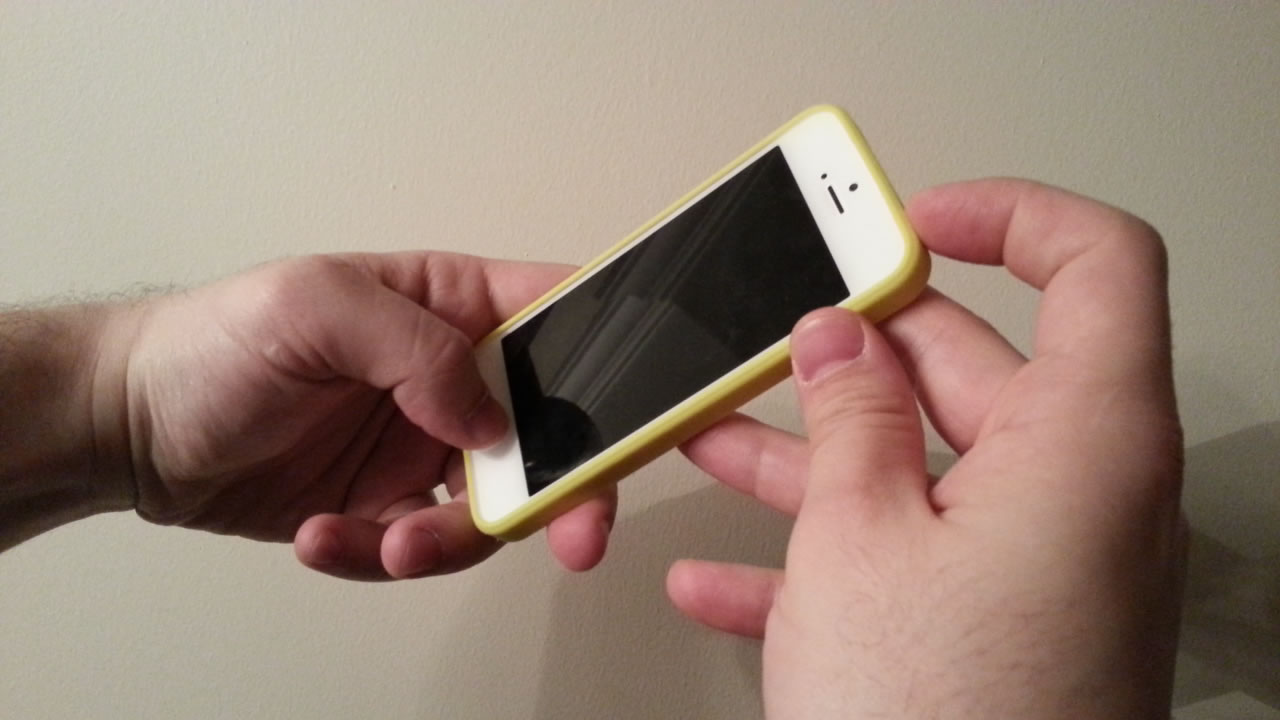
press these buttons at the same time
As you can see in the below video when you press these two buttons at the same time, your screenshot will be ready in a second. You can look at your saved screenshot in your iPhone gallery (where videos and pictures are stored)
https://youtu.be/5XikvwYLqik
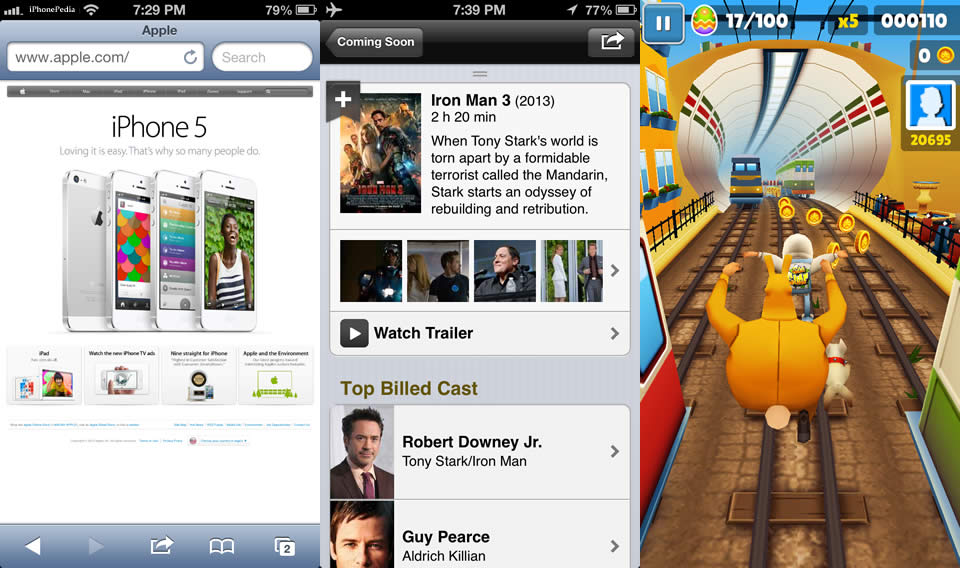
So that's it. A very simple and clever way of capturing sudden moments on your iphone screen.