
How To Share Videos Using Your iPhone
Sharing videos taken with your iPhone is not as easy as sharing pics, but there are still several options how to do that. Let's take a closer look at some solutions to this problem.
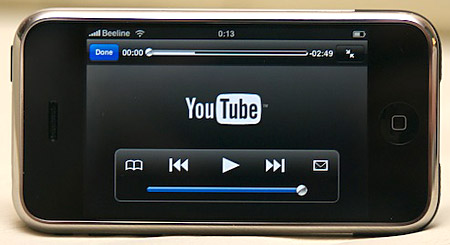
1. Use the default methods found in your iPhone. When you tap on a video you have shot you see that you can either email it, send it as a message or upload it to YouTube. While it takes some time no matter which option you choose, it's still pretty easy. For example, if you have a YouTube account, you can upload your video privately or publicly and use other YouTube Features.
2. Use the free YouTube Capture app. Another way to get your video on YouTube is to use this free app to shoot videos using the app and later uploading them to YouTube with just one click.
3. Use PhotoSync app to transfer videos from iPhone to your computer. This is not a free app, but only costs $1.99 – well worth its price. You will have two apps in fact, one in your computer and the other on your phone, you will sync them and then you can transfer both videos and photos. The app allows you to send your video to Dropbox, Google+, Facebook and other sites.
4. Use Google+ iPhone app to send your videos to your private Google+ album. It is quick and easy with the Instant Upload option. Videos can be uploaded either using 3G or Wifi, but there is a space limit of 5GB.
5. Use the iPhone Dropbox app that you can get for free to upload videos to your Dropbox account. Just sign in to your Dropbox account and sync it with your iPhone. Now you can not only upload video but other files as well. In fact, Dropbox will do it all automatically using Wifi or if you prefer, your mobile's 3G network.