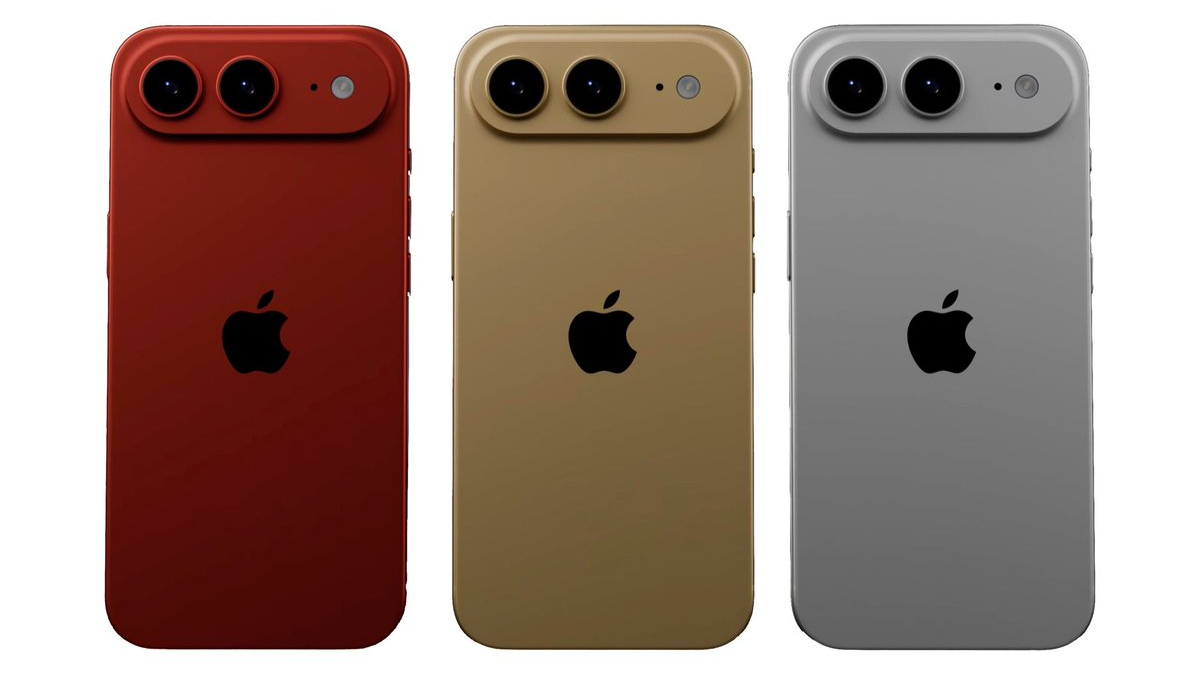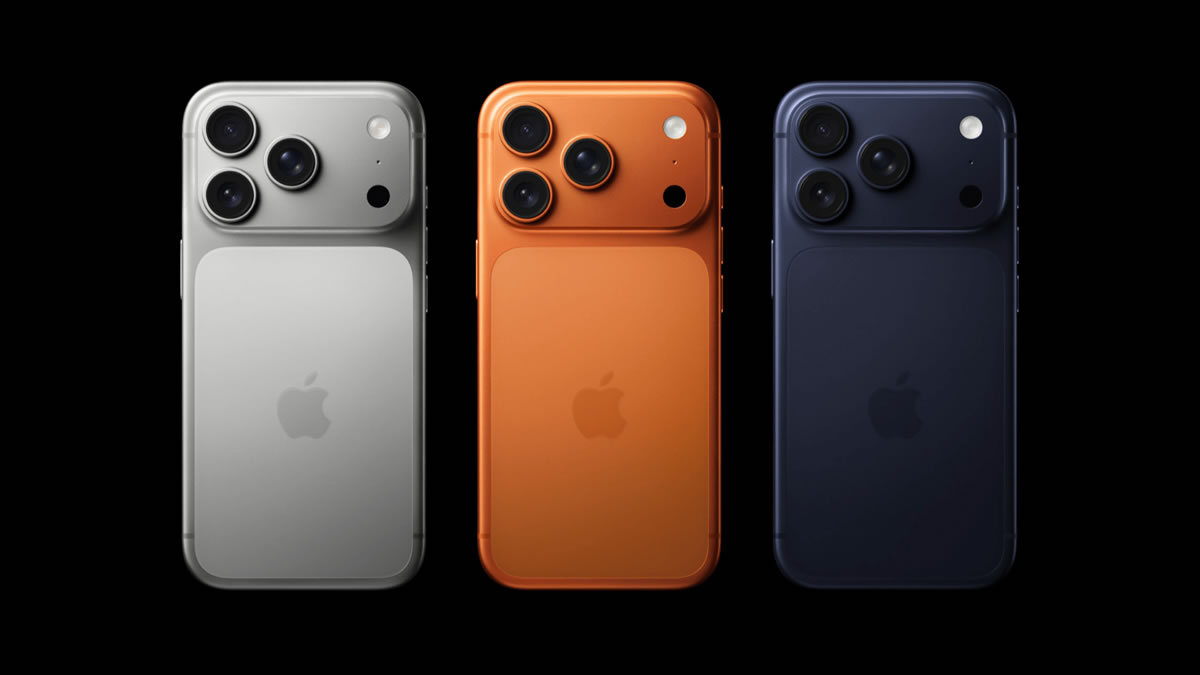





An iPhone 18 Pro Face ID reboot bug has a fix on the way. According to a September 24 report, Apple plans a software update early next week for some iPhone 18 Pro and Pro Max phones that restart after Face ID fails while opening a protected app. Apple has not publicly named the update version.
What triggers the iPhone 18 Pro Face ID reboot
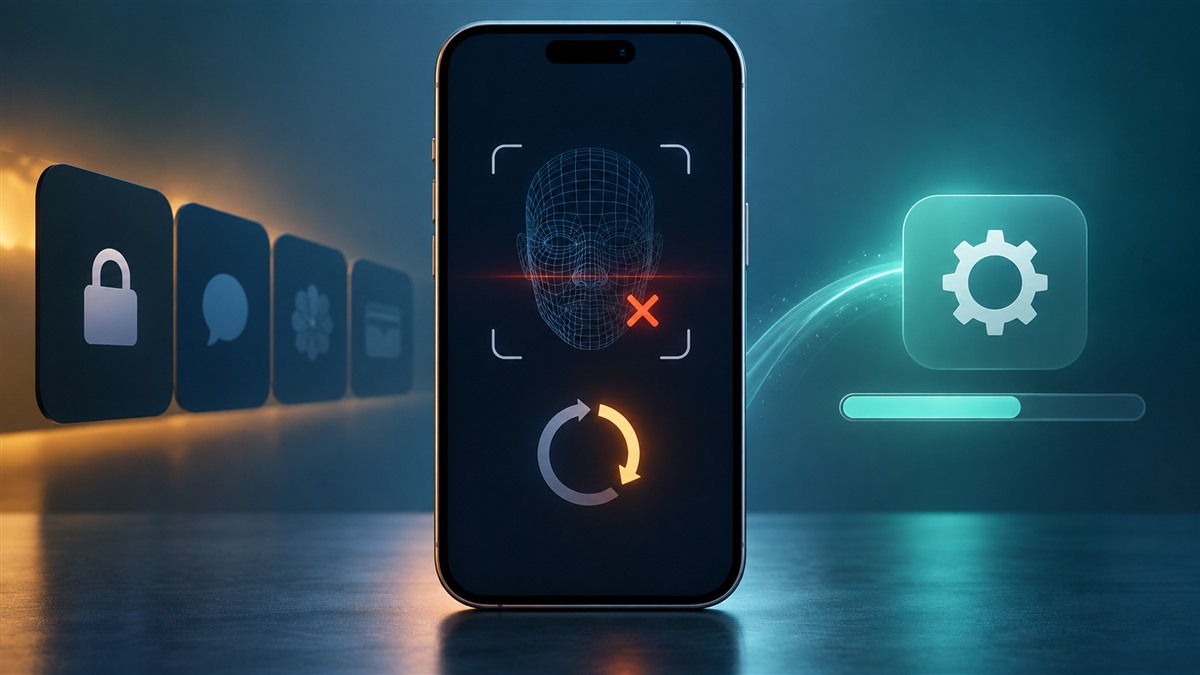
The reported pattern is specific. A user tries to open an app that requires Face ID. If authentication fails, the phone can unexpectedly restart instead of returning to the app. The issue does not appear to affect every new Pro model, and the report does not establish how often it happens.
9to5Mac reported on September 24 that Apple expects to deliver a fix early next week. The outlet suggests iOS 27.0.1 as a likely version number, but Apple has not confirmed that label. Treat the timing as a plan until the update appears in Software Update.
What to do before the fix arrives
If your phone has not shown this behavior, you do not need to change how you use Face ID. If it has restarted, start with a current backup. A backup gives you a safer position before any software update or support visit. It will not fix the restart by itself.
Check for the official update
Open Settings, then General, then Software Update when Apple releases the fix. Install only an update that appears through Apple’s normal channel. The version could differ from the one people expect today. Keep the phone charged and connected to a reliable network while it installs.
Keep a short record of the issue
Note which app was protected, whether Face ID failed, and whether the phone restarted right away. Avoid repeated attempts just to reproduce the bug. If restarts happen in other situations, contact Apple Support rather than assuming they share the same cause.
What remains unknown
Apple has not listed the affected device count or explained the underlying fault. The report also does not promise that every restart on an iPhone 18 Pro will disappear with this fix. A separate battery, app or hardware problem could produce similar symptoms, so the trigger matters.
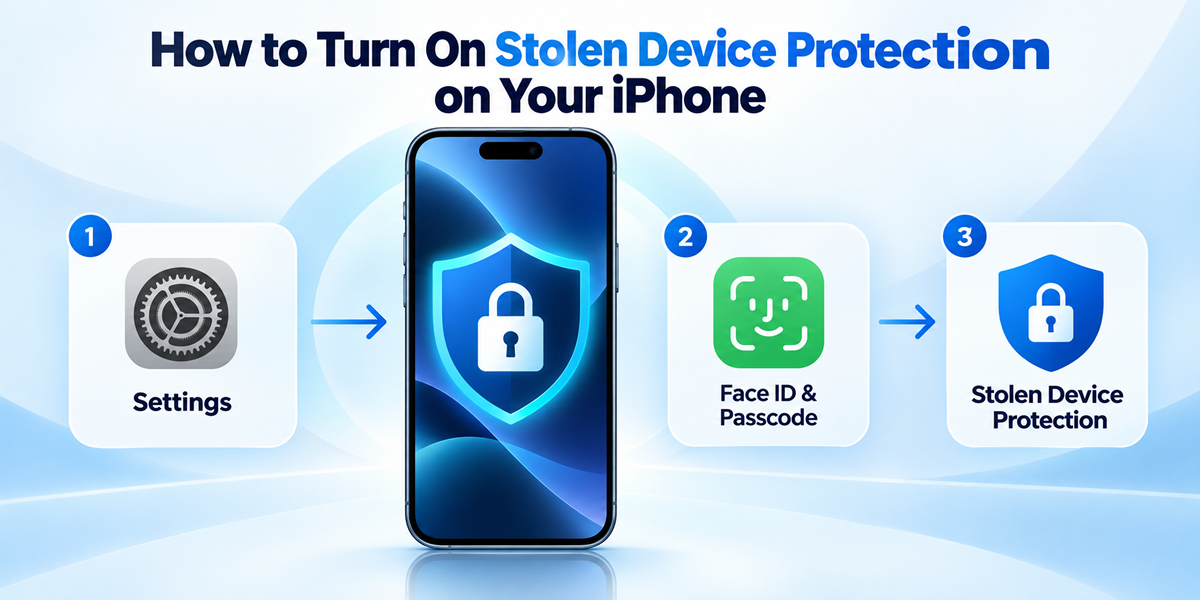
The immediate story is a targeted fix for a current problem, not a broad new iOS feature. If you are reviewing your phone’s safeguards while waiting, our Stolen Device Protection guide explains a separate feature that uses biometric checks. Back up an affected phone, watch Software Update next week and contact Apple Support if the behavior extends beyond failed Face ID in protected apps.
Expand Your Knowledge:
 iPhone 18 Pro Rumors Point to Apple’s Boldest Pro Upgrade in Years
 Foldable iPhone May Launch After iPhone 18 Pro in Apple’s Split Release Plan
 Apple Releases iOS 18, iPadOS 18: Everything You Should Know
 Apple’s Product Roadmap Leaked: What to Expect in the Coming Years
 Troubleshooting iPhone 15 Pro and Pro Max Heating Issues: Apple’s Response
 Apple Initiates Production in the USA: Will iPhones Face Price Hikes?
 How to Fix an iPhone Frozen on the Apple Logo
 How to Change Apple ID on iPad
 Apple Smart Glasses May Bring Siri, Cameras, and iPhone Power to Your Face
 Insight into iOS 18 and iPadOS 18 Device Compatibility Revealed