




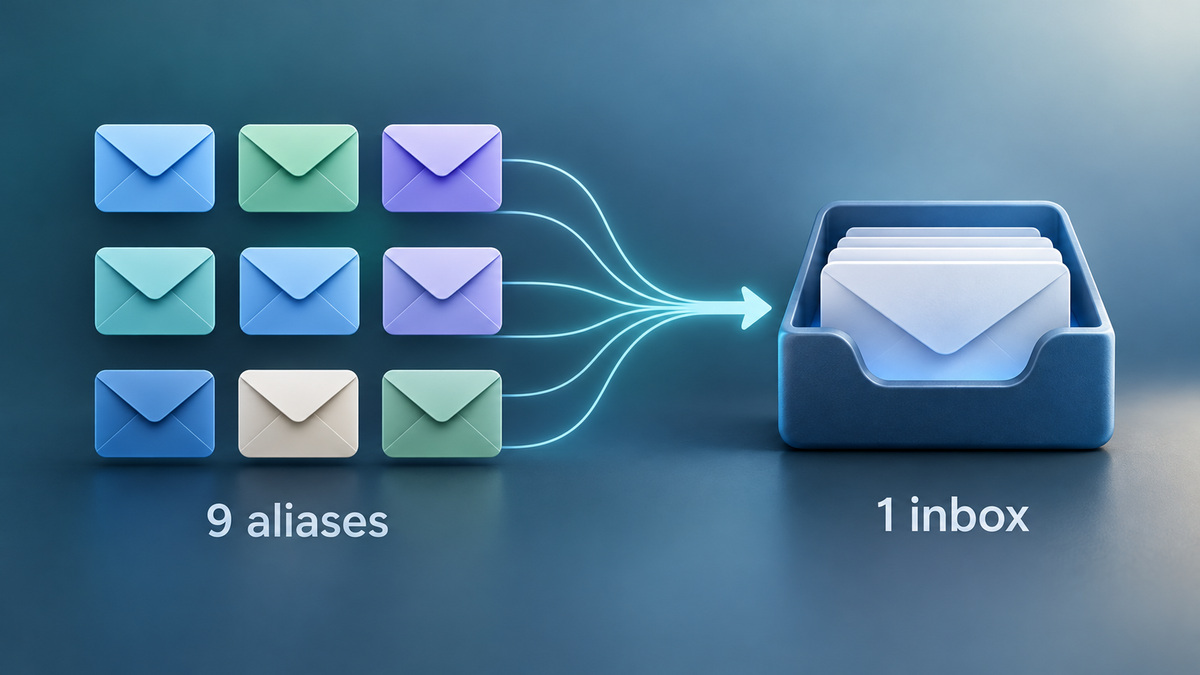
There is more room in iCloud Mail for addresses you can give to different contacts. The alias limit has risen from three to nine, MacRumors reported on October 5. Apple’s current European user guide lists nine too. For an existing mailbox, the change offers six more slots without asking you to manage six more inboxes.
Six more addresses, the same mailbox
An alias can receive and send email. It does not create a separate inbox or an Apple Account of its own. Think of the change as six more names for your existing mailbox, rather than six extra accounts to manage.
Consider a mailbox that already uses its three aliases. The owner might have one for a club, one for shopping and one for newsletters. Nine creates room for more such choices. Mail still arrives in the same account, so assigning a purpose to an address does not, on its own, sort the incoming messages.
For anyone planning to change an account identity, that is a separate question. Apple says you cannot use an alias to create a separate Apple Account. The primary mailbox stays in place. Check that distinction before updating the email address stored on other services.
The sender name can hide the wrong address
There are two fields to distinguish in Apple’s setup form. Label identifies the alias in settings. Full Name appears in the From field on mail you send. For a club address, “Club” might be the label while your own name remains the name recipients see.
Try the address in both directions before giving it out. A message sent to the alias checks delivery to your usual inbox. A message sent from it to another account checks what the recipient sees. Read the full sender address on that second message, since the displayed name could be the same for your primary address and the alias.
If the incoming test goes missing, check the typed address and Junk before sharing it. Our guide to emails going to Junk explains where misplaced mail can end up. This check also helps avoid changing several contact records before discovering an address typo.
Keep a route back when retiring an address
Apple lets users disable an alias and enable it again. Mail sent while it is disabled returns to the sender, so re-enabling it will not recover those messages. Anyone who sent something important will need to resend it.
Deleting is permanent. Apple’s guide adds a seven-day wait before creating a replacement if you delete an alias after filling all nine slots. More capacity therefore does not remove the cost of a hasty deletion.
Plan the purpose before using the slot
The useful habit is to keep a note of what each address handles. When one is no longer wanted, disable it and check the accounts or subscriptions still using it before making deletion permanent. The larger allowance gives you more choices, while that record gives you a way to manage them later.
Expand Your Knowledge:
 Apple Embraces Change: Unveiling the Details of iPhone 17’s Display Revolution
 AirPods 5 Are Now on Sale: What the Extra $20 Gets You
 How to Change Apple ID on iPad
How to Change YouTube Quality On iPad
How to Change Apple ID on iPad
How to Change YouTube Quality On iPad
 How to Set an iPhone Charge Limit—and Understand Why Charging Pauses
What is iCloud and how you can Benefit from It
How to Set an iPhone Charge Limit—and Understand Why Charging Pauses
What is iCloud and how you can Benefit from It
 How to Enable or Disable iCloud on iPhone
How to Restore an iPad with iCloud in 5 Simple Steps
How to Enable or Disable iCloud on iPhone
How to Restore an iPad with iCloud in 5 Simple Steps
 How to Transfer Photos from iPhone to Mac Without iCloud
 How to Use Temporary iCloud Storage When Moving to a New iPhone