
How to Read App Privacy Report on iPhone Without Misreading Domains
App Privacy Report on iPhone records how apps use permissions and which internet domains they contact. It can help answer a specific question, such as whether an app accessed the microphone when you expected it to. A long domain list, by itself, does not establish that an app is stealing information.
Turn it on before looking for a history
Apple's App Privacy Report documentation says the feature requires iOS 15.2 or later; it is also available on iPadOS 15.2 or later. It begins collecting information only after it is enabled. There is no earlier week of activity waiting to be uncovered.
- Open Settings, then Privacy & Security.
- Scroll to App Privacy Report and open it.
- Tap Turn on App Privacy Report if it is off.
- Use the apps you want to assess normally, then return to the report. Allow time for activity to appear.
An empty report immediately after activation is expected. If you turn the feature off, Apple says the collected report data is cleared. Repeatedly toggling it while troubleshooting therefore removes the history you are trying to examine.
Start with one app and one permission
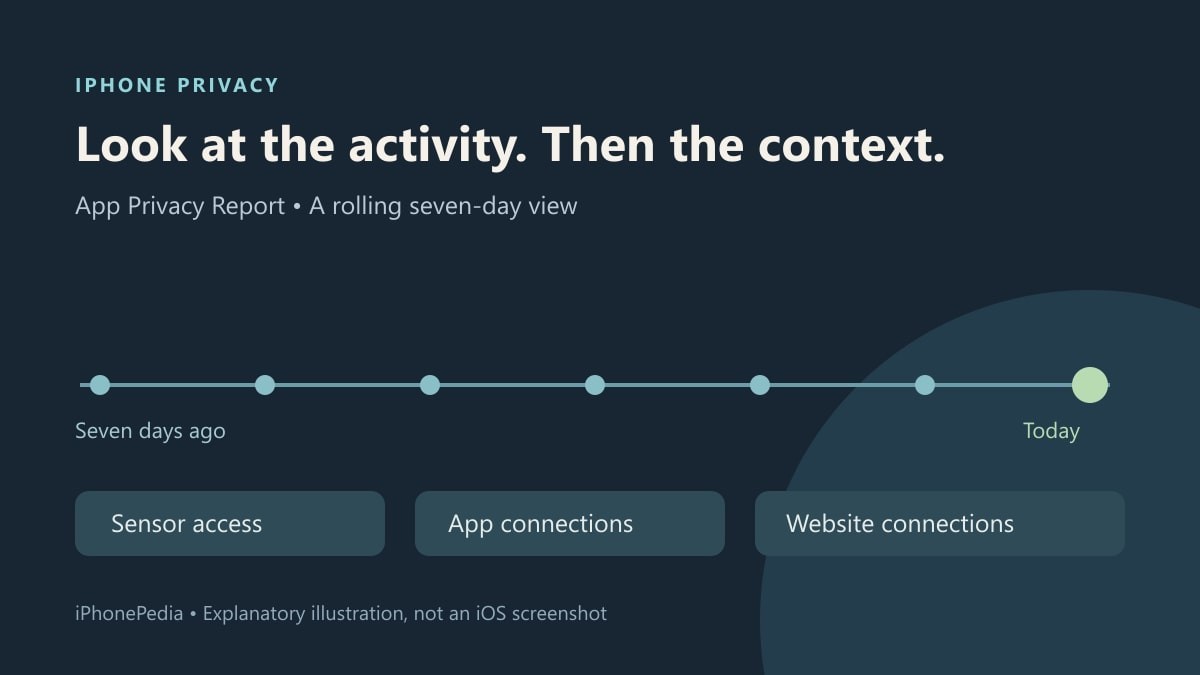
In Data & Sensor Access, choose an app and a data type. The report covers the past seven days and can show access to location, photos, camera, microphone and contacts. Compare the recorded times with what you were doing. Recording a voice message, for example, provides a reason for microphone access at that time.
For an entry you cannot explain, check the app's privacy information and the permission it has been granted. You can then review or revoke that permission in Privacy & Security and test whether the app still performs the task you need. Change one thing at a time; otherwise, it is difficult to tell which change affected the result.
Separate a connection from a conclusion
App Network Activity includes direct connections and connections made by content inside an app. An embedded video or an article opened from a social feed can bring its own domains into the report. Website Network Activity and Most Contacted Domains offer other views of the same seven-day period.
Apple excludes private-browsing network activity in browser apps. Private modes inside non-browser apps are not covered by that exclusion. The report is therefore neither a complete browsing history nor a malware verdict.
Apple says report data is encrypted and stored only on the device. Use it to investigate an unexpected permission or connection, rather than assuming that a count explains the data involved. It also does not audit who can view something you deliberately shared. For that separate question, our private iCloud Calendar sharing guide shows how to check a named participant's access.