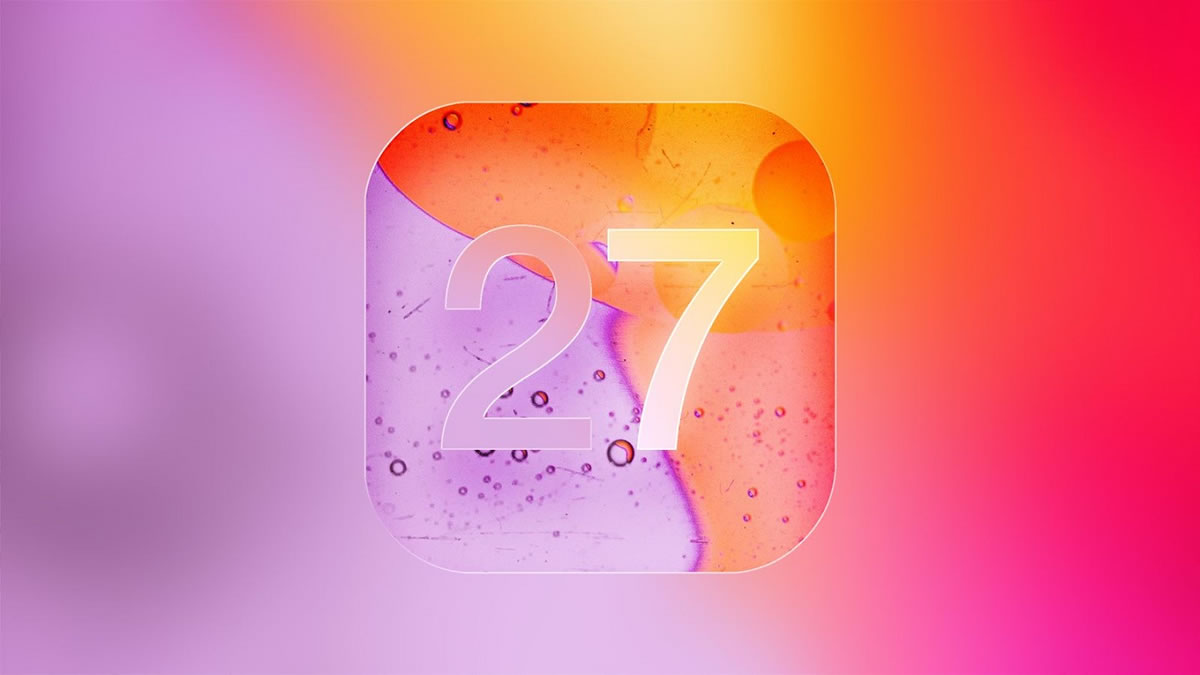



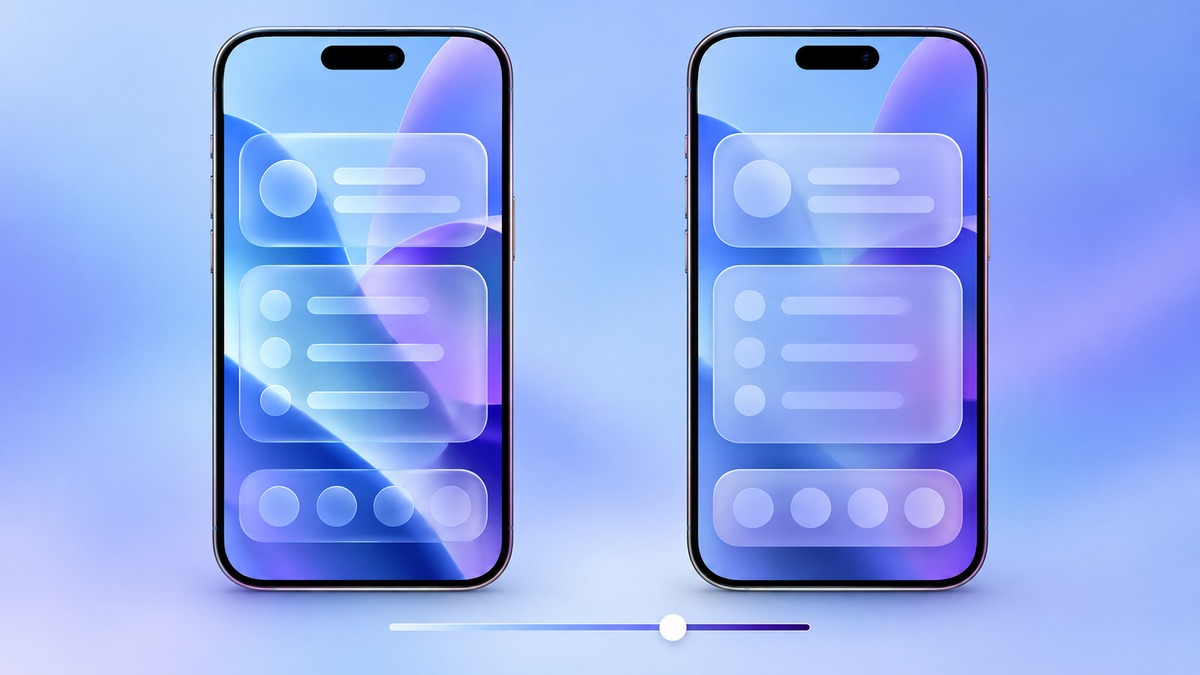
The iOS 27 Liquid Glass tint control gives iPhone owners a more precise way to set the look of translucent interface elements. Apple’s September 29 update notes describe a slider that ranges from ultra-clear to fully tinted. It is a practical change for anyone who likes the layered design but wants menus and controls to stand out more clearly.
What the Liquid Glass slider actually changes
Apple says the new control adjusts the appearance of Liquid Glass from very clear to more tinted. In everyday use, that means you can choose how much the background shows through translucent surfaces. A clearer setting keeps the layered effect prominent. A stronger tint can make those surfaces feel more solid against busy wallpaper or app content.
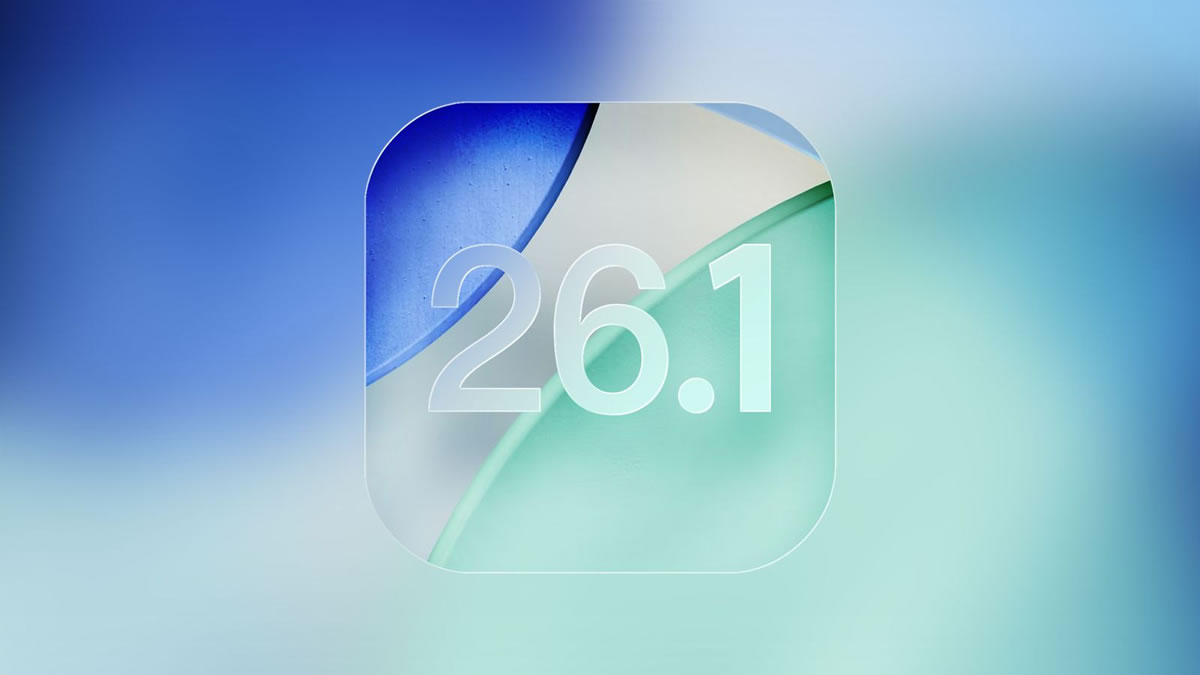
This is an appearance preference, not a switch that changes the iPhone display hardware or the color of every app. It also does not replace the separate accessibility controls for contrast and transparency. Apple first offered a simpler way to reduce the glossy effect in iOS 26.1; our earlier look at that design update explains the previous approach. The iOS 27 Liquid Glass tint slider provides a finer adjustment.
Where to find the setting in iOS 27
Apple’s iPhone user guide gives a short path to the control:
- Open Settings on your iPhone.
- Tap Appearance, then Liquid Glass.
- Drag the slider right for more tint, or left for a clearer look.
Try the setting with your usual wallpaper and the apps you use most. The best point on the slider depends on how easily you can read controls over different backgrounds. You can change it again without resetting other display preferences.
If the slider is unavailable
Apple notes an important interaction with accessibility settings. If Reduce Transparency or Increase Contrast is on, you must turn it off before changing the Liquid Glass appearance. Check Settings > Accessibility > Display & Text Size if the slider cannot be adjusted. Afterward, compare the result carefully: the accessibility option may still serve you better than the visual tint setting.
A small control with a visible effect
The iOS 27 Liquid Glass tint option is useful because it lets people tune readability without choosing only between two preset looks. Apple has not said that one position is objectively best, and screen brightness or wallpaper can change the impression. Move the slider a little at a time, then check menus, notifications and the Home Screen before settling on a preference.
Expand Your Knowledge:
 iOS 27 Battery Drain: What to Do When It Does Not Settle
 iOS 27.2 Public Beta Arrives With a Preview of Apple’s New Health App
 iOS 27 Battery Life Upgrade: Apple’s Quiet Cleanup Could Make iPhone Feel Faster
 iOS 27.0.1 Update Stuck? How to Get It Installed
 How to Create a Custom Pass in iOS 27 Wallet
 iOS 27 Screen Time: How Families Can Set Healthy Limits
 Apple Unveils iOS 17.1.1 Update: What’s New?
 Enhanced iPhone Camera Experience: What’s New in iOS 17
 Enhanced Siri and Spotlight Features in iOS 17
 Apple Announces Exciting Features with iOS 17.3