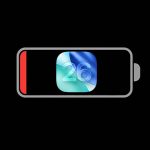


Apple’s iOS 26.1 update gives iPhone users a more comfortable, flexible experience without making everything feel unfamiliar. The biggest change focuses on Liquid Glass, Apple’s glossy interface style. Users can now reduce transparency, so menus, alerts, and buttons look clearer.
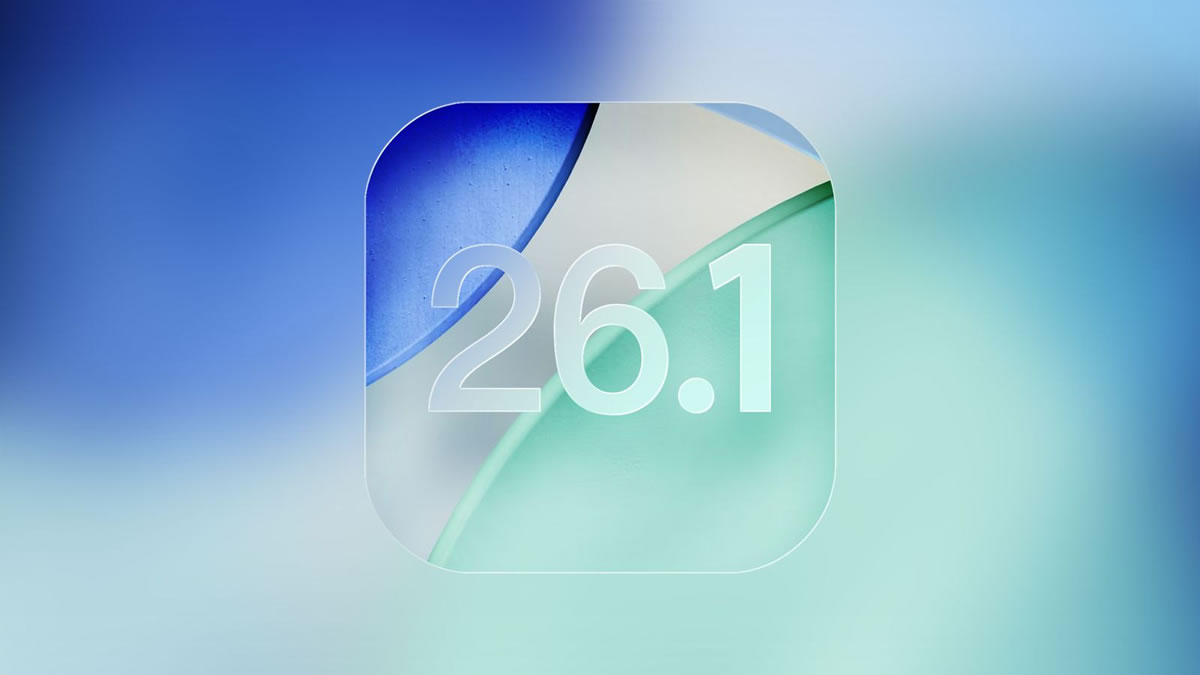
But this update is not only about looks. Apple also added a setting to disable Lock Screen camera access, which helps prevent accidental launches. Nevertheless, the update still keeps quick access options for people who like Apple’s fast, gesture-based style.
Daily iPhone Features Feel Less Annoying
iOS 26.1 also fixes small frustrations that many users notice every day. Alarms and timers now need a slider action, which helps stop accidental turn-offs. Apple Music gains a smoother swipe gesture for changing tracks from the bottom player area. In contrast, Fitness gets more personal because users can create custom workouts with their own goals and settings.
Local Capture also makes video calls more useful, since users can record part of the screen without extra apps. Above all, these changes make iOS feel more controlled and less fussy.
Apple Intelligence Expands Its Reach
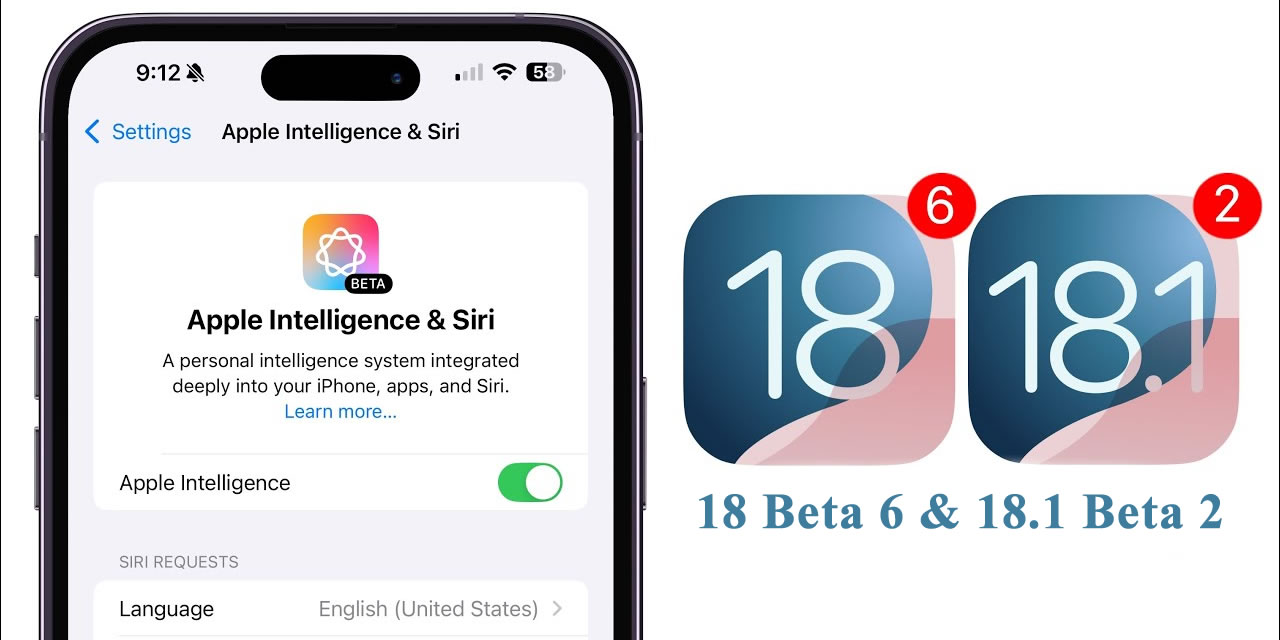
Apple Intelligence becomes more useful in iOS 26.1 because it now supports more languages, including Turkish, Danish, Norwegian, Swedish, Chinese, and Vietnamese. That matters for users who want AI tools in their own language, not only in English. Meanwhile, iPadOS 26.1 brings back Slide Over, letting users open an app inside a floating window again. Apple also refreshes the Apple TV icon and renames Rapid Security as Background Security Improvement.
Still, hidden code hints at bigger plans, including Notification Forwarding and support for third-party AI models.
Expand Your Knowledge:
 Apple Unveils iOS 17.1.1 Update: What’s New?
 Apple Music to Receive New Features in iOS 18 Update
 Apple Rolls Out iOS 17.4 Update: Discover the Latest Features for iPhones
 Apple Releases iOS 17.5 Update: Discover the Latest Features for iPhones
 Apple and OpenAI in Talks to Combine Forces for iPhone: A New Era of AI?
 Apple’s AI Ambitions: “Apple GPT” Emerges as a Potential Game-Changer
 iOS 18 Update: Eligible iPhone Models Announced
 iOS 17.2 Update Set to Resolve Wi-Fi Issues on iPhones
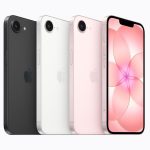 Apple iPhone 17e Arrives With A19 Power, MagSafe, and a Smarter Price
 Which iPhone models will receive the iOS 16 update?