
Recover Deleted iPhone Messages Before the Recently Deleted Window Closes
Losing a conversation from the Messages list does not always mean it has gone for good. The iPhone keeps recently deleted conversations in a separate list, where you can choose which ones to restore. There is a time limit, and there are exceptions for Undo Send and expired audio. Start by looking in that list before trying anything more elaborate.
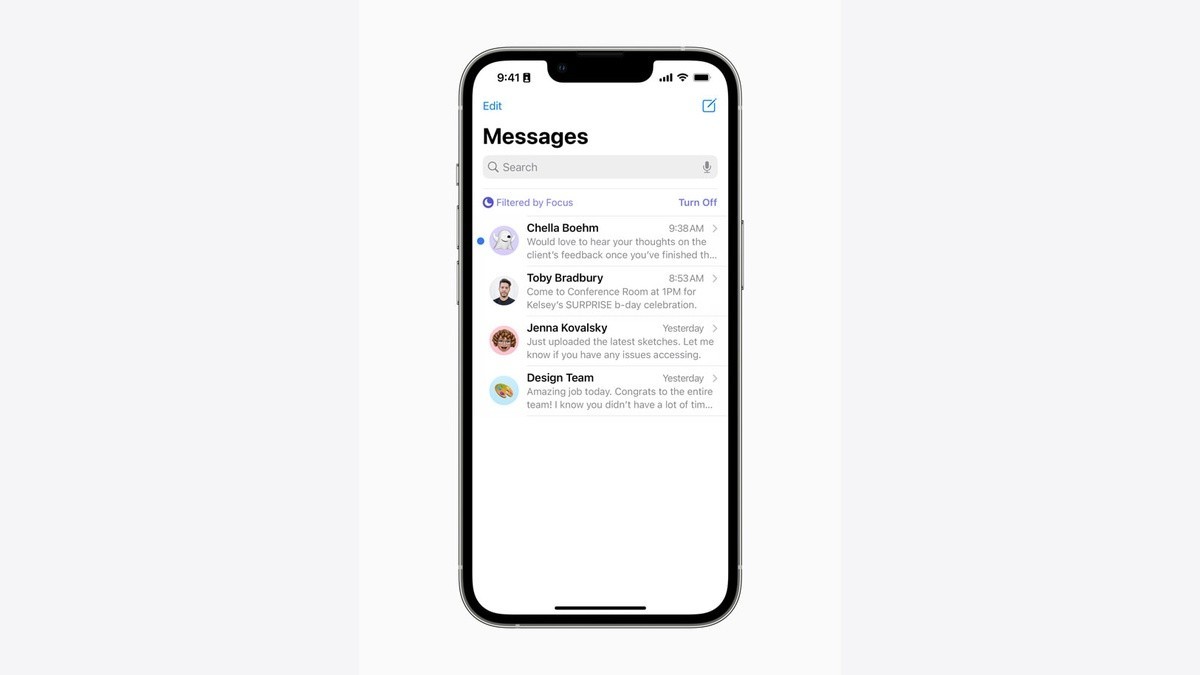
What you need before starting
Apple’s current iPhone User Guide, with iOS 27 selected, says deleted texts can be recovered for up to 30 days. A separate Apple Support article describes a 30-to-40-day period. Plan around the shorter window and use the conversations actually offered in Recently Deleted, rather than assuming an extra ten days will be available.
The recovery feature requires iOS 16 or later on iPhone. Apple says messages deleted before updating to the supported software cannot be recovered this way. You need the iPhone and the Apple Account that held the conversation, not a new download or a paid recovery subscription.
Restore a conversation in Messages
- Open Messages on your iPhone and return to the conversation list. If you are inside a chat, leave that chat first.
- Tap the Filters button, then Recently Deleted. Apple’s support instructions give Edit instead of Filters for iOS 18.
- Select the conversations containing the messages you want back, then tap Recover. Check the selection before continuing if several conversations are listed.
- Confirm with Recover Messages. Depending on the software and selection, the confirmation can say Recover Message or Recover followed by the number of messages.
The expected result is that the chosen messages return to Messages. Open the conversation from the main list and check for the material you needed. With Messages in iCloud enabled, recovering a conversation also recovers it on your other devices that have that setting turned on.
When the conversation is missing
The other person’s phone is outside this process. Apple says recovery changes your own iPhone and your other devices using the same Apple Account; it cannot put a conversation back on somebody else’s device. If nothing suitable remains in Recently Deleted, this procedure has no further copy to offer you.
If the missing item was scheduled but has not been sent, it belongs to a different part of Messages. Our Send Later guide explains how to find that queued item and change or cancel it. For a deleted conversation, the useful check comes after Recover: return to the conversation and look for the particular text or attachment you meant to retrieve.
There is a different route for a message scheduled for the future. Our Send Later guide shows where to find, edit or cancel that pending item before it goes out. For recovery, stay with the Recently Deleted list and restore only what you recognise. The final check is the conversation itself, not merely seeing that you tapped Recover.