
Recover Deleted iPhone Photos Before the 30-Day Window Closes
Deleting a photo does not immediately finish its removal from Photos. The item goes to Recently Deleted, where Apple keeps it for 30 days. If you want it back, act during that window. Apple says that after 30 days it is permanently deleted and cannot be recovered through this process.
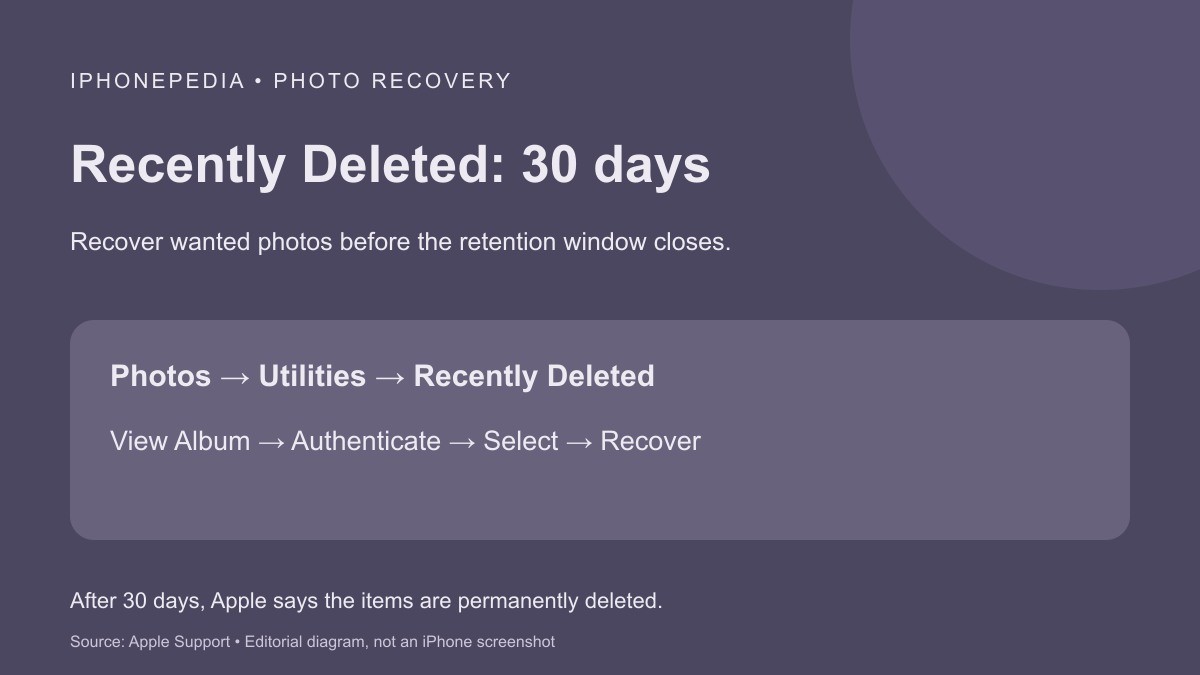
Start with the iPhone you can unlock, and be ready to authenticate when opening the album. The following steps come from Apple’s photo-recovery instructions. They cover both a single image and several items selected together, so you do not have to recover an entire group just to save one picture.
Recover one item on the iPhone
- Open Photos and swipe up.
- Find Utilities, then tap Recently Deleted.
- Tap View Album. Use Face ID or Touch ID to unlock it.
- Tap the photo or video you want, then choose Recover.
- Confirm that you want to recover the item.
Return to your photo library and check for the recovered picture or video. Open it to confirm that you selected the intended item, particularly if the album contained several similar shots. Choosing Recover is different from choosing permanent deletion; read the action before confirming.
Select several without restoring everything
Inside Recently Deleted, tap Select and mark the photos or videos you want. Tap the More button, choose Recover, then confirm. Review the selection before that last step.
This is useful when clearing space has removed a mixture of unwanted and wanted images. Recover only what you intended to keep. If the storage problem concerns an app instead, our offload-versus-delete guide explains a separate decision about applications and their documents. Removing an app and deleting a photograph are different operations.
Another route: Recently Deleted on the web
Apple also documents recovery through iCloud.com:
- Go to iCloud.com and sign in to your Apple Account.
- Open Photos.
- Select Recently Deleted in the sidebar. If the sidebar is hidden, use Show Sidebar at the upper left.
- Select the photo and choose Recover.
The web route is another way to reach a recovery album, not an extension of its retention period. If an item has already passed the 30-day limit, switching screens does not create a new window. Check the account and the selected album before concluding that a missing item is still recoverable, and avoid promises that a recovery tool can restore something Apple says has been permanently deleted.