
Send a Long iPhone Video by AirDrop and Choose What Data Travels
AirDrop is handy when the video you just recorded is too big for a regular text message and the person who needs it is standing nearby. There is one decision to make before you send it. Photos can share the original file with its location, captions and edit history. Choose that option when the recipient needs those details.
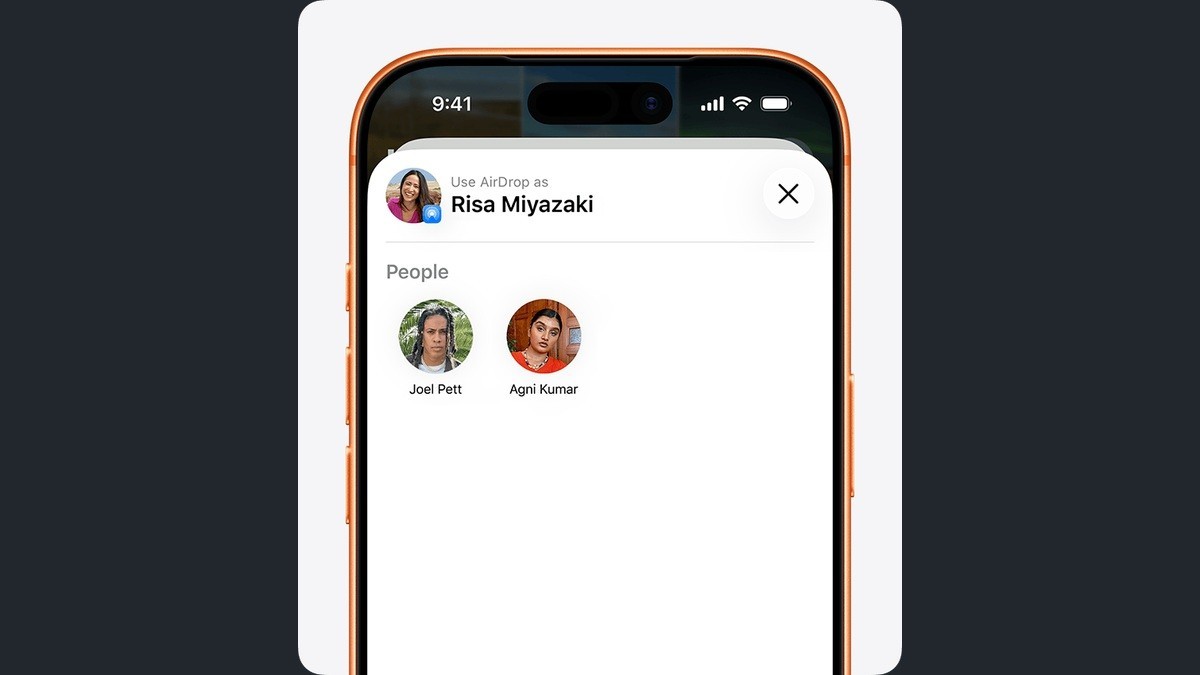
You need the video in Photos and a nearby iPhone, iPad, Mac or Apple Vision Pro that can receive it. Apple’s guide to sharing long videos says to turn on Wi-Fi and Bluetooth at both ends. Apple’s AirDrop instructions also say to disconnect Personal Hotspot if either device is using it.
Send the file from Photos
- On your iPhone, open Photos. Tap the video, then tap the Share button.
- To include the original file and associated data, tap Options and turn on All Photos Data. Go back to the share sheet. Leave that option off when you do not need to send the full original data.
- Tap AirDrop and pick the correct person or device. Ask the recipient to tap Accept if they see a request.
- After the transfer, have the recipient open the video. For another iPhone, check Photos. If you sent to a Mac, the recipient can look in Downloads if they do not see it immediately.
When the other device does not appear
If you are sharing to an iPhone or iPad and you are not in the recipient’s contacts, ask them to open Settings, General, AirDrop and choose Everyone for 10 Minutes. They can also reach the setting by pressing and holding the connectivity controls in Control Center. Choose their device again and confirm that the request reaches the right screen.
Apple says both devices may need an AirDrop code when they are outside each other’s contacts and use iOS 26.2 or later. The receiver taps Get AirDrop Code and gives it to the sender, who enters it on their own device. If the recipient is too far away for AirDrop, Apple gives Mail Drop as another way to send a long video. Mail Drop attachments are available for 30 days.
Our Visual Look Up guide starts in the same Photos library and uses the item in place. Sharing is the step where the file can leave your phone. Before tapping the recipient, check the video you selected and whether its original location and edit history should go with it.