How to Use 3D Touch on iPhone 6s

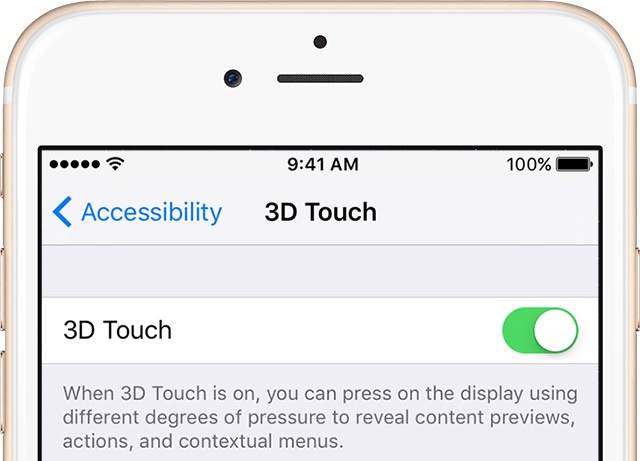
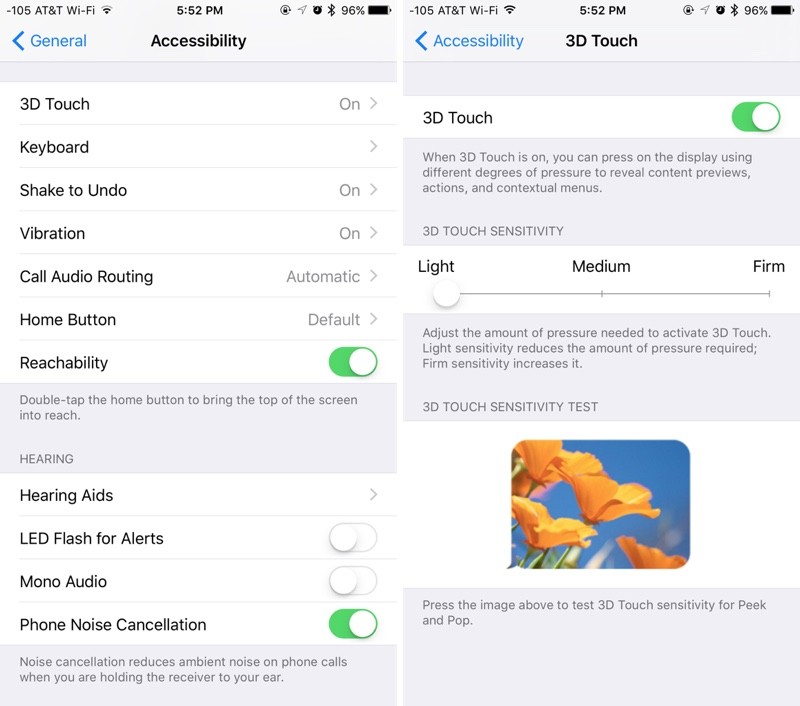
iPhone 6s has introduced another way of interacting with your phone and it’s revolutionary. The new 3D Touch helps you feel the pressure you apply to the display. While the multi-touch gestures comprise of Tapping, Swiping, and Pinching, you will be able to do a lot more with the 3D feature. For an enhanced experience…

Read More

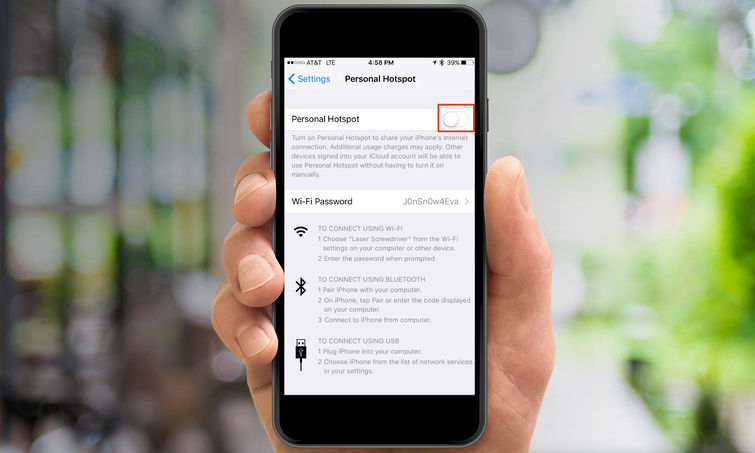
How to Turn On Hotspot on iPhone

Nowadays, coffee shops, restaurants, bars, malls, supermarkets, and almost any other public place allows you to use their Wi-Fi. But it happens that sometimes you find yourself at the airport waiting for your flight, at a hotel, or at your friend’s house and there’s no Wi-Fi. Although you carry your tablet or laptop with you,…

Read More

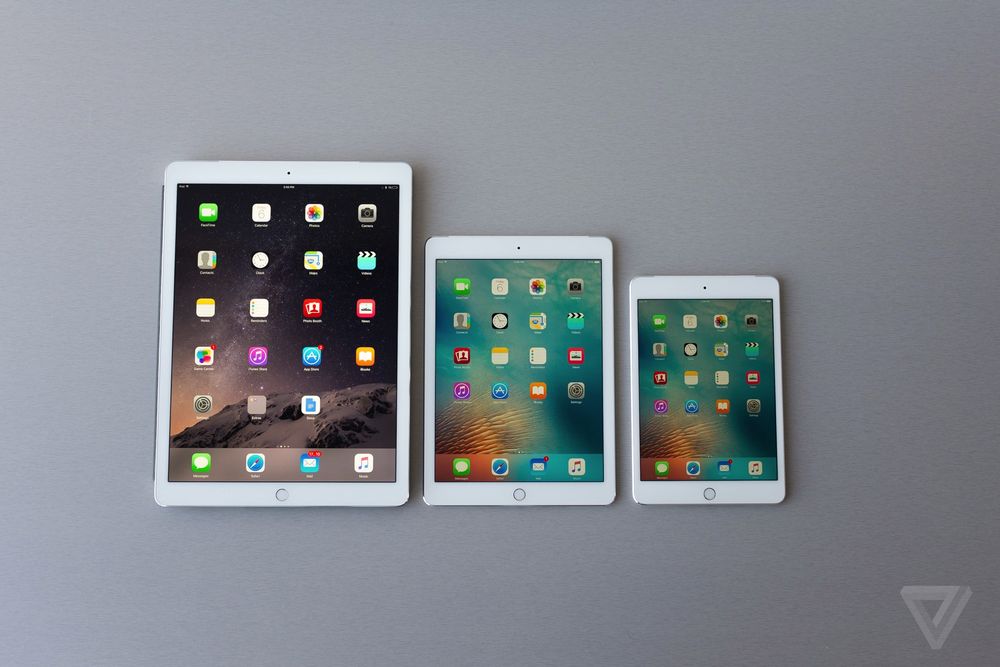
How to Open Zip on iPad

The iPad is a powerful tablet computer with a multitude of features. But what do you do when you receive an important zip file via email and cannot open it? Zip files are very useful for shrinking large documents, collecting several items together into a single file, or transferring data to your friends or colleagues….

Read More

How to Unlock Rotation On iPhone

The iPhone, like other new iOS devices, automatically rotates the screen to match the orientation of the device. When you turn your iPhone left or right, on its side, the screen will rely on the built-in accelerometer to adjust from the default Portrait mode to Landscape mode, displaying length-wise rather than height-wise in most apps….

Read More

How to Voice Text on iPhone

Voice Texts are a cool new feature introduced in iOS 8 which allows you to send small audio notes from your iPhone to another iOS or Mac device that supports iMessages. Quicker to compose, more fun, and in many ways more convenient than traditional text messages, voice texts offer you a fast and more personal…

Read More

How to Write on a PDF on iPad

After all these years, PDF remains the most widely used format for documents shared online because of its almost universal compatibility with computers and mobile devices, the ease with which it can be created, and the possibility of embedding images into it. On the iPad, like on the majority of tablets and smartphones, most documents…

Read More