







iPad Pro Specs

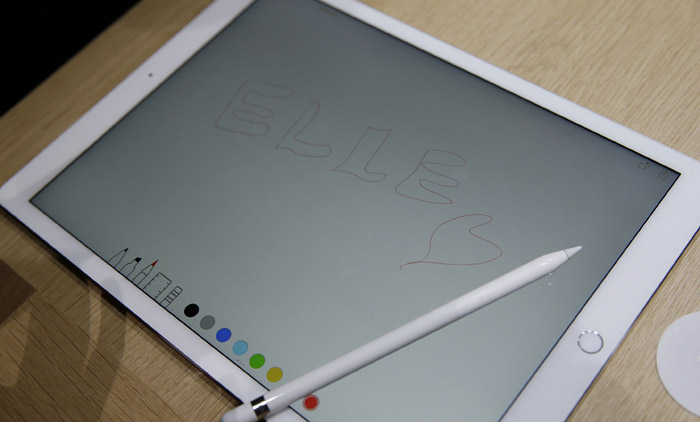
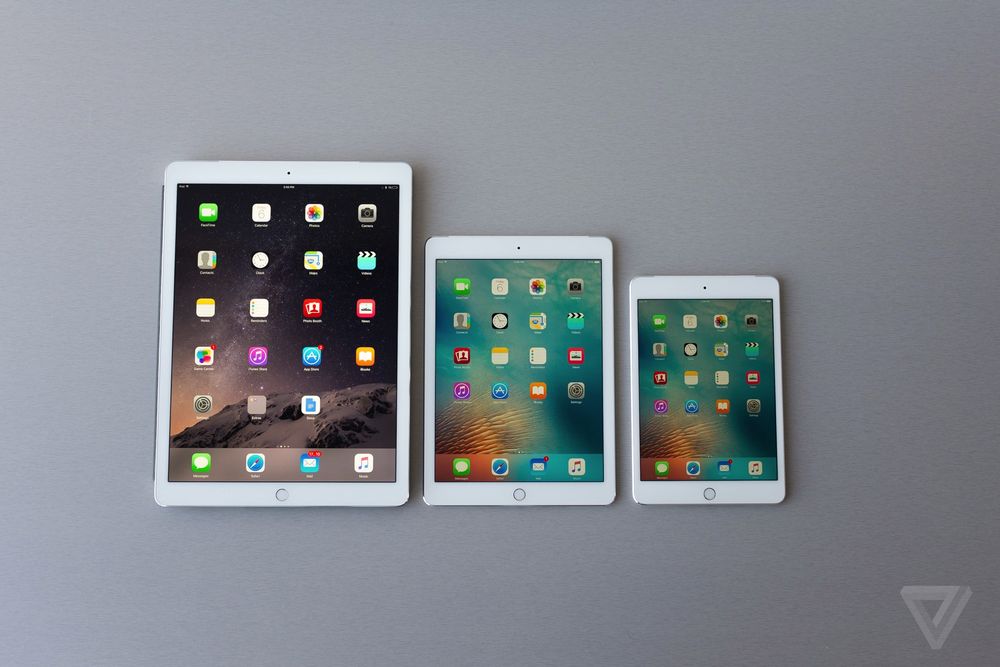
iPad Pro, Apple’s newest and largest tablet, is now finally available. The device is a hybrid between a laptop and a tablet and it delivers far more than just a larger screen. While iPad Pro may not replace your laptop, it can surely complement it. The giant iPad comes with a number of great features….
Read More

iPad Pro Review

The iPad Pro was officially released in September 2015 and is currently shipping worldwide. With a 12.9 inch display, iPad Pro is Apple’s largest tablet and largest handheld device running iOS. But there’s more to it than its impressive size. We’ve put together this iPad Pro review to let you know about its key feature…

Read More

How to Open Zip on iPad

The iPad is a powerful tablet computer with a multitude of features. But what do you do when you receive an important zip file via email and cannot open it? Zip files are very useful for shrinking large documents, collecting several items together into a single file, or transferring data to your friends or colleagues….

Read More

How to Write on a PDF on iPad

After all these years, PDF remains the most widely used format for documents shared online because of its almost universal compatibility with computers and mobile devices, the ease with which it can be created, and the possibility of embedding images into it. On the iPad, like on the majority of tablets and smartphones, most documents…

Read More

How to Enable Location Services on iPad

As you may or may not have noticed, certain mapping applications and certain services will not work on iPad without location services being enabled to allow those programs to access your current location. If you are trying to use these applications but keep receiving error messages, learning how to enable location services on iPad is…

Read More

How to Download Apps on iPad

Apple offers all different genres of games and business apps for iPad that you can download onto your device from their application store. Although some applications do cost money to download, there are thousands of applications available for you to try out that cost no money at all and that can give your iPad hours…

Read More

How to Import Photos to iPad

Importing JPEG, PNG, or TIFF photos to your iPad from your digital camera, computer, iPhone, or web storage service is easy and doesn’t take too long. It’s a good idea to import your best photo collections to your iPad because the device has an excellent screen quality and a nice Photo app that makes the…

Read More

How to Factory Reset an iPad

Whether you want to sell your iPad or take it in for repair at an Apple center, you should restore it to factory settings to ensure that your personal files and information won’t fall into other people’s hands. Resetting an iPad is also convenient if your device has become cluttered with too many apps and…

Read More