







How to Turn On Hotspot on iPhone

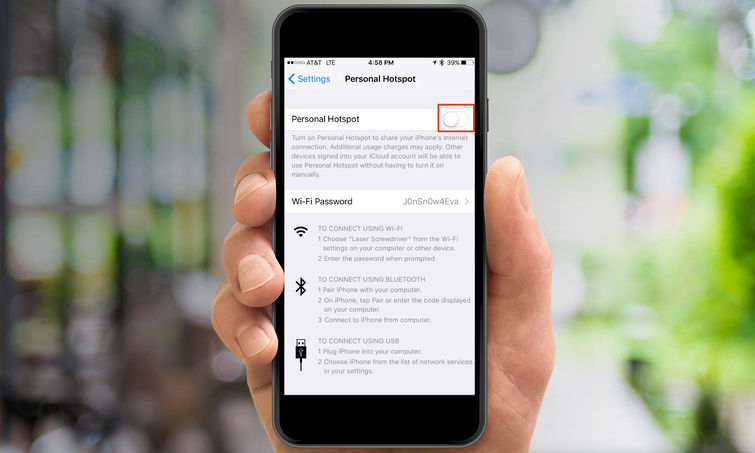
Nowadays, coffee shops, restaurants, bars, malls, supermarkets, and almost any other public place allows you to use their Wi-Fi. But it happens that sometimes you find yourself at the airport waiting for your flight, at a hotel, or at your friend’s house and there’s no Wi-Fi. Although you carry your tablet or laptop with you,…

Read More

How to Unlock Rotation On iPhone

The iPhone, like other new iOS devices, automatically rotates the screen to match the orientation of the device. When you turn your iPhone left or right, on its side, the screen will rely on the built-in accelerometer to adjust from the default Portrait mode to Landscape mode, displaying length-wise rather than height-wise in most apps….

Read More

How to Voice Text on iPhone

Voice Texts are a cool new feature introduced in iOS 8 which allows you to send small audio notes from your iPhone to another iOS or Mac device that supports iMessages. Quicker to compose, more fun, and in many ways more convenient than traditional text messages, voice texts offer you a fast and more personal…

Read More

How to View Amber Alerts on iPhone

AMBER alerts come from America’s Missing: Broadcasting Emergency Response (AMBER) and feature critical alerts about tornadoes, earthquakes, floods, and other natural disasters, as well as well as missing children or abductions, including suspects. These alerts alerts are sent by the government through your carrier, so you should receive them even if you’re not connected to…

Read More

How to Zoom Out on IPhone

Zooming out is a useful feature designed into the IPhone to allow you to display large websites in a smaller screen area or decrease the size of something you are reading. It’s also quite easy and can be employed in a matter of seconds to help you achieve your personal display preferences or meet any…

Read More

How to Group Message on IPhone

Are you planning an event or coordinating a group project? Maybe you’re just trying to get your family on the same page? Lucky for you, IPhone allows you to send group messages out that will get everyone on the same page and eliminate the hassle of sending out, forwarding, and organizing individual text messages. If…

Read More

How to Copy and Paste on iPhone

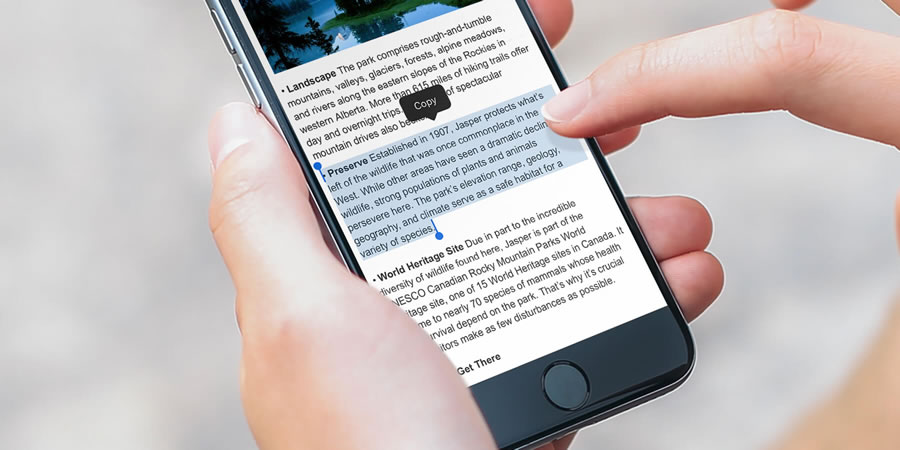
If you regularly copy and paste information on a computer, you can also do this on an iPhone. Copy website URLs, addresses, phone numbers, or text. This saves you from having to write everything down. You can easily look up businesses and phone numbers online and copy them directly to your phone dial pad. Learn…

Read More

How to Use FaceTime on iPhone

FaceTime is a video conferencing app, one of the nicest features of the iPhone. An excellent alternative to Skype, it’s one of the built-in features of your iPhone, but it’s also available as a standalone app for Mac OS X. Before learning how to use FaceTime on iPhone you should keep in mind that some…

Read More